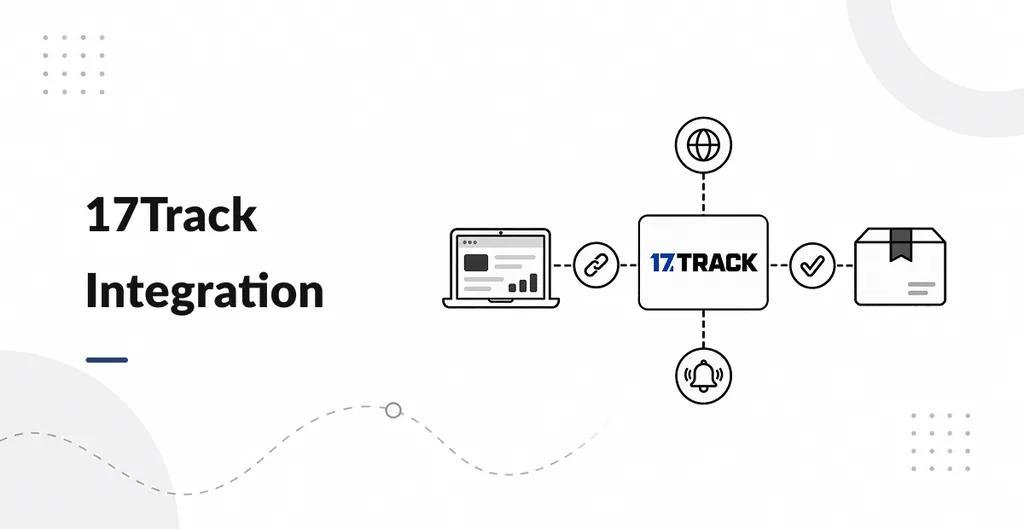
17Track Integration connects Odoo Inventory deliveries to 17TRACK (the courier tracking service). Warehouse or shipping staff enter a tracking number, choose the courier, and pull status into the delivery. Customers can get an email when that status changes.
Use it if you ship with many couriers and want one place in Odoo to check “where is this parcel?” without opening 17TRACK in a browser every time.
- API token in Inventory Settings: Turn on 17TRACK and paste your token. Outbound internet to 17TRACK is required (Odoo.sh and on-premise both work if the server can reach the API).
- On the delivery: Shipping Information has Tracking Number and 17Track Carrier. Pick the courier from the list (2,700+ names ship in the zip). There is no auto-detect.
- 17Track Status button: Opens a wizard. Refresh Status talks to 17TRACK, registers the number if 17TRACK has not seen it yet, and shows the current status. The button is hidden after the delivery is validated.
- Shipment Tracking tab: A history of updates: status, sub-status, estimated delivery window, courier name, and location as text (not a map).
- Daily job: Open deliveries that have a number and a courier are refreshed on a schedule. Validated (done) deliveries are skipped.
- Customer email: If the main status string changes, an email goes to the delivery partner’s email. Internal users are not mailed by this module.
You still buy and maintain a 17TRACK API account. Wrong courier for a number is refused by 17TRACK. This module does not add a public tracking page on the website.
Works on Community and Enterprise. English only. 17TRACK is the courier product name; it is not tied to a single Odoo edition.