

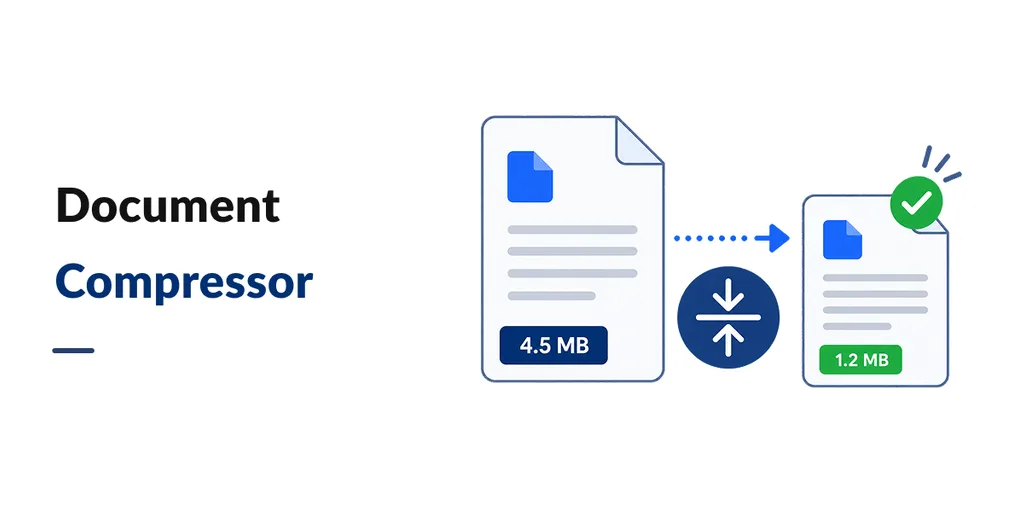
Document Compressor reduces the size of image and PDF files that are already saved in Odoo (product photos, signed PDFs, scans on a sales order, and similar attachments). People keep working as usual. The smaller file stays on the same record.
Use it if backups are growing, Odoo.sh or server disk is tight, or old PDFs are much larger than they need to be.
- Automatic (once a day): When the daily job is on, Odoo looks for photos and PDFs that are still waiting and shrinks them. You can turn this on or off in Settings.
- Skip small files: Set a minimum size (for example 100 KB or 1 MB) so tiny files are left alone. This applies to the automatic job, not to a manual Compress click.
- One file at a time: Open Attachments and click Compress on a row. Useful when a single PDF is too large to email.
- Compress now: Run a batch from Settings without waiting for the next daily job.
- Choose what to include (Odoo 19 zip): Limit by date, or by document type (for example only sales orders in a date range). If you do not set a type, the general date range is used. If you set neither, eligible files of that type can all be considered.
- See the impact (Odoo 19 zip): Settings shows total database size and attachment size. Refresh after a run to see the new numbers.
- Safe replace: The original file is kept if shrinking does not make it smaller. A failed attempt is not marked done, so it can be tried again later.
- Once per file: After a successful pass, that attachment is marked compressed and is not squeezed again.
What it handles: JPEG, PNG, GIF, WebP, BMP photos, and PDFs. Word, Excel, and ZIP files are not compressed.
How much smaller? It depends on the file. The publisher’s examples: JPEG photos often over 55% smaller, large PDFs often over 80% smaller, PNG photos only a little (they are already compact). Treat these as typical, not a guarantee.
Works on Community and Enterprise, including Odoo.sh and your own server. No extra Odoo apps required.