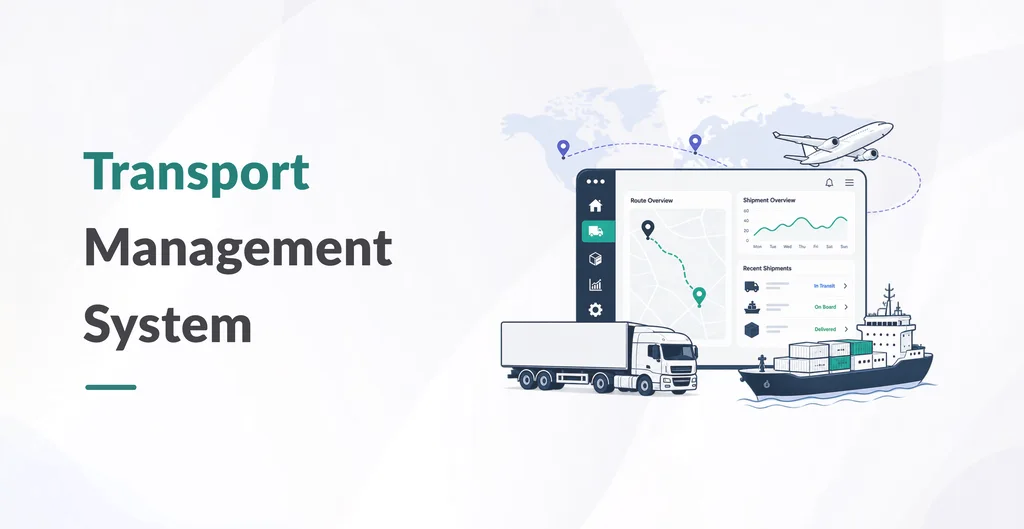
PySquad TMS is an Odoo application for carriers, 3PLs, and in-house fleets that need trip planning, dispatch, freight billing, and delivery visibility in one place instead of spreadsheets and disconnected GPS tools.
After install you get three apps in the Odoo Apps menu:
- Transport — Control Tower, dispatch board, shipments, trips, billing, GPS tracking, and configuration.
- Drivers — profiles, incidents, requests, expenses, messages, and safety.
- Fleet Maintenance — work orders, preventive schedules, and tire lifecycle.
How operations run
A trip is one vehicle and driver with one or more stops. A shipment is a customer’s goods. Several shipments can ride on one trip (LTL / multi-drop), each with its own tracking number and proof of delivery. Dispatchers assign work from a Gantt-style board, start and complete trips with planned vs actual times, and keep load lines (product, weight, volume) on the same record.
Billing that follows the trip
Freight is calculated from contracts, tariffs, and accessorial rules (detention, extra stop, fuel surcharge). Generate charges from the trip, confirm them, and create the customer invoice in Odoo Accounting. Trip expenses (fuel, tolls, parking, driver allowances) post against the same trip so you can see planned vs actual margin.
Tracking and portals
GPS positions, ETA snapshots, and tracking events sit under Tracking. A public tracking page works without login. Logged-in customers see only their shipments and can request a new one. Drivers see assigned jobs on a phone and submit multi-POD with signature, photo, GPS, timestamp, and notes.
What you need in Odoo
Works on Odoo 19 Community and Enterprise, Odoo.sh, and on-premise. Depends on Contacts, Discuss, Fleet, Inventory, Sales, Invoicing, Website, and Portal. GPS hardware is optional; the demo includes a mobile driver gateway. Optional features (shipments, subcontracting, route optimization, tracking) can be switched on or off in Settings.