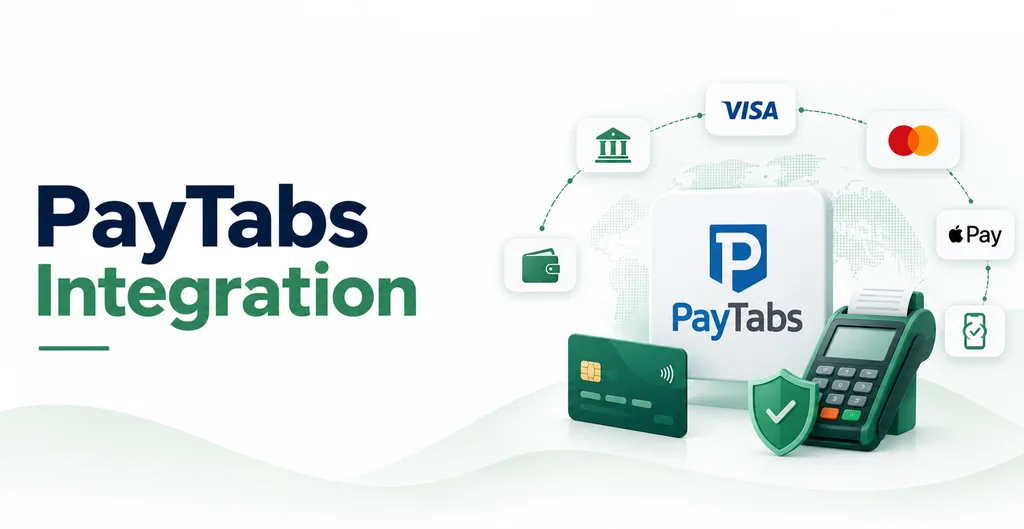
PayTabs Payment and Refund adds PayTabs to Odoo Payments for the website shop. It works with eCommerce, Accounting, and the standard payment provider screen. Customers pay on the PayTabs hosted page. Card data does not stay in Odoo.
Checkout. Enable the PayTabs provider, enter Profile ID and server key, and set the API endpoint for your PayTabs region (for example the global or country host). On checkout, Odoo creates a payment request and redirects the customer. Return and callback URLs update the transaction when PayTabs confirms, declines, or reports an error. Supported currencies are those your PayTabs account accepts.
Refunds. From the payment record you can refund the full amount or a part of it. Already-refunded amounts are subtracted so you cannot refund more than remains. If the original payment is still authorized or pending, Odoo asks PayTabs to void it instead of refunding. Refunds sync back to the payment status in Odoo.