
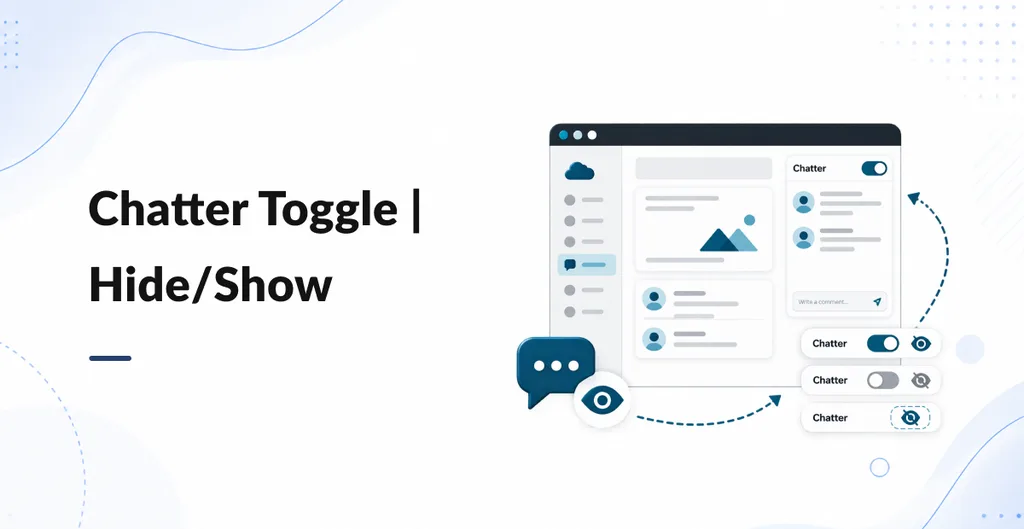
Chatter Toggle adds a hide and show button to Odoo backend form views that already contain Chatter. It gives users more space for document fields, order lines, and other form content when the message panel is not needed.
Hide Chatter to Expand the Form
Click the hide button to collapse the Chatter panel. The form sheet expands to use the available width, making fields, tables, and order lines easier to work with.
Restore Messages, Notes, and Activities
Click the comments button to show Chatter again. The Send message, Log note, and Activities features return to view, so users can continue working with the document's conversation and activity history.
Use It Without Configuration
Install the module and open a backend form that contains Chatter. The toggle appears automatically. No settings screen or additional access groups are required.
Keep Existing Chatter History
Hiding Chatter changes its visibility in the form. It does not delete messages, followers, log notes, or activities from the record.
Understand the Display Behavior
Chatter is visible by default. The hidden state is temporary and is not remembered after leaving the form or refreshing the page. The same toggle is available to backend users who can open the form, rather than being restricted to selected users.
Compatibility and Scope
The documented build supports Odoo 19 Community and Enterprise on Odoo.sh and on premise deployments. The public listing also provides an Odoo 18 version selector, but its technical notes do not verify that branch. The module affects backend form views with Chatter, not the Discuss app, list views, or website pages. Its button labels are in English.