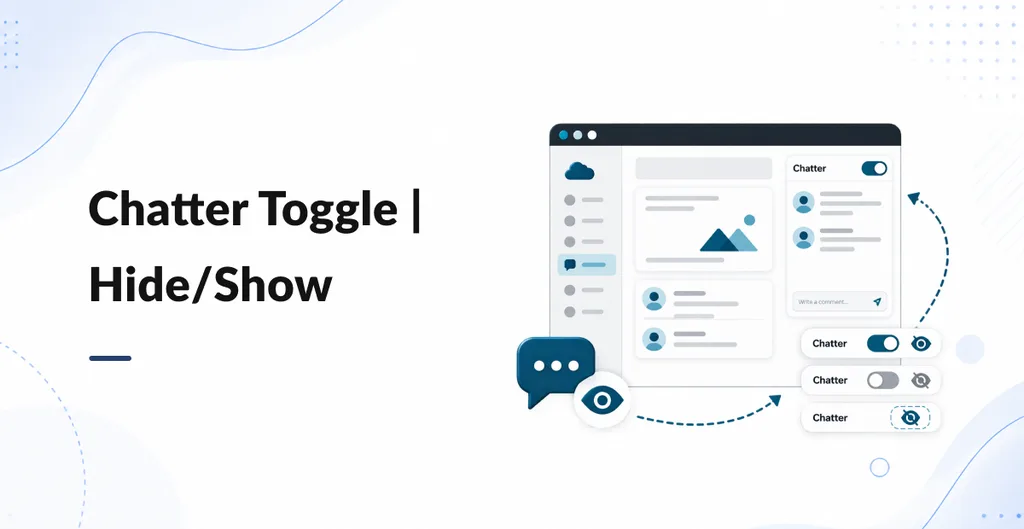
Chatter Toggle is a small backend UI helper. On form views that already have Chatter, it adds a round button on the right of the screen. Hide Chatter when you want more space for fields and lines. Show it again when you need messages, notes, or activities.
Install and open any form that has Chatter (for example a sales order). Chatter is visible at first. Use the eye-slash button to hide it. Use the comments button to show it. Forms with no Chatter get no button.
- One click: Hide or show the Chatter panel. The form sheet can use full width while Chatter is hidden.
- No setup: No Settings screen and no extra groups. Every backend user who can open the form sees the same buttons.
- Display only: Chatter records stay on the document. This does not remove followers, messages, or activities from the database.
- This visit only: If you leave the form or refresh, Chatter is shown again. The choice is not stored per user.
Works on Community and Enterprise, including Odoo.sh and on-premise. English button labels only. It does not change the Discuss app, list views, or the website.